


How to Issue an e-Invoice? Step-by-Step Guide to Issuing e-Invoices
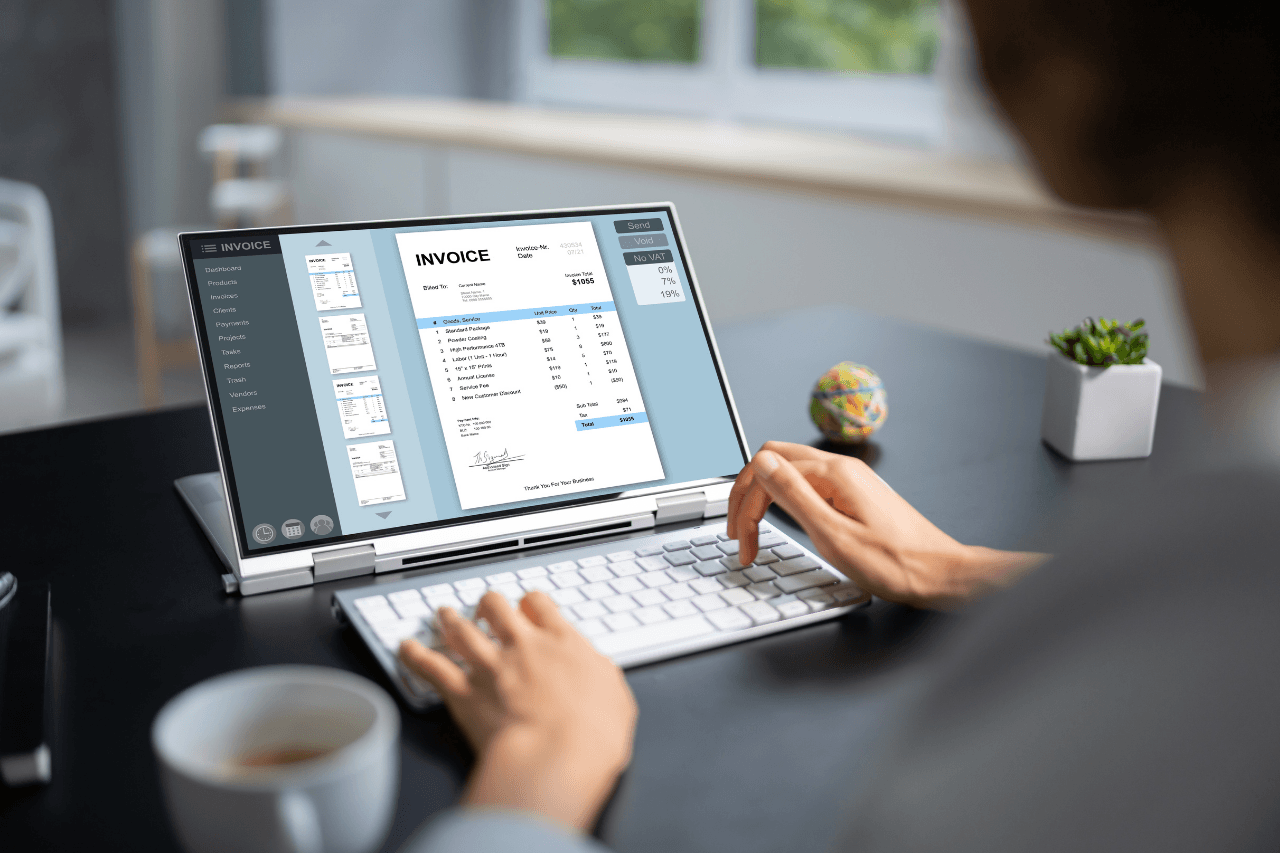


With the acceleration of digitalization, the era of paper invoices has largely come to an end for businesses. The e-Invoice system, implemented by the Revenue Administration, has been made mandatory to both reduce costs and decrease the informal economy. Today, for many businesses, using e-invoices is no longer a choice, but a necessity.
What is an e-Invoice?
An e-invoice is a digital version of a paper invoice, created, sent, received, and stored in a digital environment. Legally, it has the same validity as a paper invoice. The difference is that it is issued electronically without the need for physical processes such as printing, shipping, and archiving.
An e-invoice:
Is prepared in XML format in accordance with GIB (General Directorate of Revenue) standards.
Is transmitted to the recipient via the GIB system.
Is stored digitally.
Even if a paper printout is made, the original document is in its electronic form.
The Difference Between e-Invoice and e-Archive Invoice
e-Invoice is often confused with e-Archive invoice. The main difference between them is:
e-Invoice is issued between taxpayers registered in the e-Invoice system.
e-Archive invoice is issued to individuals or companies that are not e-Invoice taxpayers.
Therefore, if your recipient is an e-Invoice user, you should issue an e-Invoice; otherwise, you should issue an e-Archive invoice.
Who is Required to Use e-Invoices?
According to the criteria determined by the GIB (General Directorate of Revenue), the use of e-invoices is mandatory for some taxpayers. In general;
Firms whose gross sales revenue exceeds a certain limit
Businesses engaged in e-commerce activities
Those operating in sectors such as fuel, mining, automotive, alcohol, and tobacco
Businesses providing market registration system, hotel and accommodation services
are required to switch to the e-invoice system.
Requirements Before Issuing an e-Invoice
To issue an e-invoice, certain prerequisites must be met:
1. Financial Seal or e-Signature
Financial seal for companies
e-signature is required for sole proprietorships
2. GIB e-Invoice Application
e-Invoice application must be made through the Revenue Administration.
3. Choosing the e-Invoice Method
There are three different methods for issuing e-invoices:
GIB Portal
Private Integrator
Direct Integration
Methods of Issuing e-Invoices
1. Issuing e-Invoices via the GIB Portal
The GIB Portal is a free solution for small businesses.
Advantages
It is free
No installation required
Disadvantages
Requires manual processing
Not suitable for bulk invoice issuance
Inefficient for companies with high transaction volumes
2. Issuing e-Invoices with a Private Integrator
Private integrators are companies authorized by the GIB (General Directorate of Revenue).
Advantages
Fast and practical
Provides automatic accounting integration
All e-documents such as e-Invoice, e-Archive, and e-Delivery Note are managed from a single panel
Disadvantages
It is paid
3. Direct Integration
Preferred by large-scale companies.
Advantages
Full automation
Total integration with ERP systems
Disadvantages
High cost
Requires technical infrastructure and a software team
How to Issue an e-Invoice?
Now let's get to the most frequently asked question: How to issue an e-invoice?
1. Check if the Recipient is an e-Invoice Taxpayer
The recipient's registration in the e-invoice system should be checked using their tax number or Turkish Republic ID number.
2. Enter Invoice Information
Invoice date
Invoice number
Recipient and seller information
Product or service details
Unit price and quantity
3. Perform VAT and Tax Calculations
VAT rates, withholding tax, and other taxes must be entered correctly.
4. Approve the e-Invoice
The invoice is signed with a digital seal or e-signature.
5. Send to the Recipient via GIB
The approved e-invoice is sent to the recipient via the GIB system.
Things to Consider When Issuing e-Invoices
Invoices should not be issued to the wrong recipient.
Product and service descriptions must be clear.
Tax rates must be entered correctly.
The invoice date and time must be carefully considered.
Cancellation and return processes must be completed within legal deadlines.
How to Cancel and Refund an e-Invoice?
Cancellation of an e-invoice depends on the recipient's approval. The recipient can reject the invoice within a certain period. Rejected invoices are considered invalid. For accepted invoices, a return invoice must be issued.
Advantages of Using e-Invoices
Paper, printing, and shipping costs are eliminated
Invoicing processes are faster
Archiving is easier
Error rate is reduced
Legal compliance is ensured
It is environmentally friendly
e-Invoice Retention Period
e-invoices must be stored electronically for 10 years. Companies using private integrators can benefit from this storage service.
Frequently Made e-Invoice Errors
Incorrect tax number entry
Incorrect invoice type selection
Incorrect VAT rate entry
Issuing an e-Archive invoice instead of an e-invoice
Why is e-Invoicing Important for Businesses?
e-Invoicing is not only a legal requirement but also a cornerstone of businesses' digital transformation. It ensures transparency in financial processes and greatly simplifies accounting procedures.
Conclusion
The question of "how to issue an e-invoice?" is one of the fundamental issues that almost every business should know the answer to today. Issuing e-invoices with the right method and tools saves time and eliminates legal risks. By choosing an e-invoicing solution suitable for the size and transaction volume of your business, you can make the process much more efficient.
Subscribe to Bayiloji
Don't miss updates, tips and special deals in the world of dealership.